Password Management Hacks Everyone Should Know
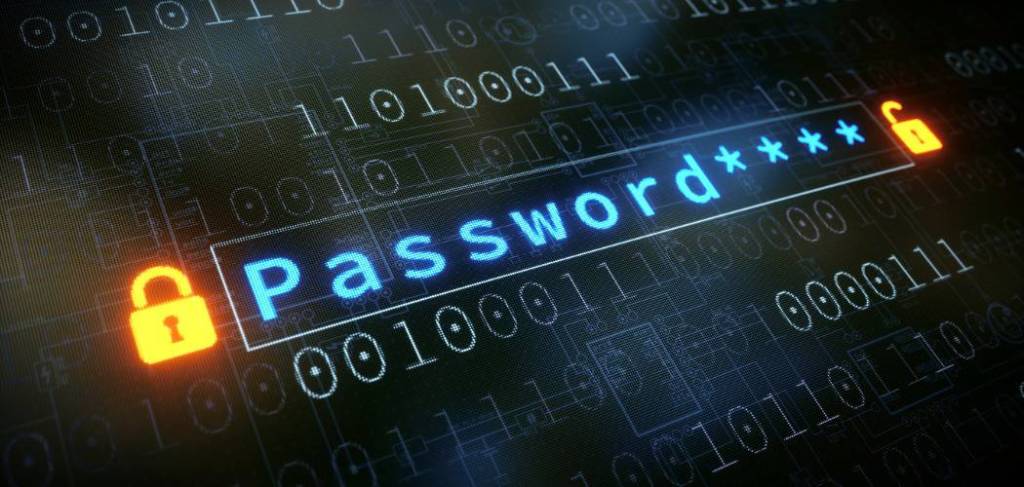
In the digital age, passwords serve as the keys to our online lives, safeguarding our sensitive information from prying eyes. Yet, many people underestimate the importance of strong password practices, leaving their accounts vulnerable to cyberattacks. Here are some essential password management hacks that everyone should know to stay secure online.
1. Create Strong Passwords
The first step in securing your accounts is choosing passwords that are hard to crack:
- Use long passwords with at least 12 characters.
- Include a mix of uppercase and lowercase letters, numbers, and special characters.
- Avoid predictable patterns like “password123” or personal information like your birthdate.
A good example of a strong password is: D3!fR@zpX%9Q.
2. Avoid Reusing Passwords
Reusing the same password across multiple accounts is a common mistake. If one account is compromised, hackers can use the same password to access your other accounts. Each account should have a unique password to ensure safety.
3. Use a Password Manager
Remembering dozens of complex passwords can be challenging, which is where password managers come in:
- Password managers securely store and organize your passwords, so you only need to remember one master password.
- Popular options include LastPass, Dashlane, and 1Password.
- Many password managers also generate strong passwords for you.
4. Enable Two-Factor Authentication (2FA)
Two-factor authentication adds an extra layer of security to your accounts. In addition to your password, 2FA requires a second verification step, such as:
- A code sent to your phone or email.
- A fingerprint scan or facial recognition.
Even if someone obtains your password, 2FA prevents unauthorized access.
5. Regularly Update Your Passwords
It’s a good practice to change your passwords periodically, especially for sensitive accounts like email or banking. Updating passwords reduces the risk of breaches from old or leaked credentials.
6. Beware of Phishing Scams
Hackers often use phishing emails or websites to trick you into revealing your password. Protect yourself by:
- Verifying the sender’s email address.
- Avoiding clicking on suspicious links.
- Never entering your password on an unfamiliar website.
7. Check for Breaches
Use tools like Have I Been Pwned to check whether your email address or passwords have been compromised in data breaches. If your information appears in a breach, update the affected account passwords immediately.
8. Avoid Saving Passwords in Browsers
While it’s tempting to save passwords in your web browser for convenience, this practice can expose them to potential cyberattacks. Password managers offer a safer way to store and retrieve your credentials.
9. Use Passphrases for Added Security
Instead of a single word, consider using passphrases—combinations of random words that are easier to remember and still secure. For example: PurpleTreeHorse!9Taco.
Passphrases strike a balance between simplicity and security.
10. Educate Yourself on Password Security
Stay informed about best practices for password management and watch out for emerging threats. Cybersecurity is an ever-evolving field, and staying educated is key to protecting yourself.
Conclusion
Your passwords are the first line of defense against cyber threats. By adopting these hacks, you can strengthen your online security and reduce the risk of breaches. With a little effort, password management becomes a powerful tool to safeguard your digital life.
POWERED BY TECH UP SOLUTIONS

 CYBERHELP AFRICA